
How to Plan Your Content in Notion (With a Template and Real Workflow)
humana Network
Editorial
TL;DR
Create a Notion content calendar with content pillars, an idea inbox, deadlines, platform filters, and a workflow from planning through publication. Start with one organized week and build consistency.
As an entrepreneur, you know time is one of your most valuable resources. When it comes to social media and digital marketing, organization can make the difference between feeling overwhelmed and having total clarity about your strategy. Here's how to design a content calendar in Notion, a powerful tool to plan, organize, and execute your ideas with confidence.
Why do you need a content calendar?
A calendar isn't just about knowing what to publish each day. It means having a clear view of your goals, maintaining consistency, and ensuring every post aligns with your brand. It also saves time by reducing improvisation and duplicated effort.
Essential elements of your content calendar
- Calendar view: the foundation of the system, where you can see scheduled posts for Instagram, TikTok, or YouTube.
- Content pillars: define three to five central themes representing your brand, such as financial education, business motivation, or personal stories. These pillars become your creative compass.
- Quick Grabs: a space to save important links such as script templates, brand color codes, and direct links to your social channels.
- Idea inbox: capture ideas before they disappear, then categorize them by pillar and platform.
- Progress system: organize each idea by status, such as new idea, planning, recording, editing, or published.
How to build your calendar from scratch
- Create a new Notion page and add a calendar view. This will be your master dashboard for scheduled content.
- Add properties such as recording date, publication date, and destination platform (Instagram, TikTok, or YouTube).
- Add your strategic pillars at the top to keep your content direction visible.
- Create a Quick Grabs section with useful links, including script templates, business proposals, or hex codes for visual consistency.
- Create different views: a list for brainstorming, a Kanban board for progress, and galleries filtered by platform or pillar.
Practical strategies to make the most of it
- Don't try to fill an entire month from the start. Begin with one well-organized week and gradually expand.
- Balance educational, inspirational, and promotional content within your pillars.
- Use platform filters to see only Instagram content without mixing it up with YouTube or TikTok plans.
Add color and personality
Don't underestimate visual design: assign colors by platform or project status, add covers, and use clear labels to make your calendar more enjoyable. If you enjoy using it, you're more likely to update it consistently.
Weekly checklist
Create columns for Monday through Friday and include quick to-do lists. This helps you organize daily production tasks, such as recording, editing, and engaging with your community.
"A good system doesn't just organize your posts; it frees up mental space to focus on what matters most: growing your business."
Take your business to the next level
Knowing what to publish and when gives you confidence on camera and in communicating with your audience. Beyond marketing, this habit strengthens business discipline and supports tangible results, such as greater reach and more consistent income.
Inspired by a recommended resource
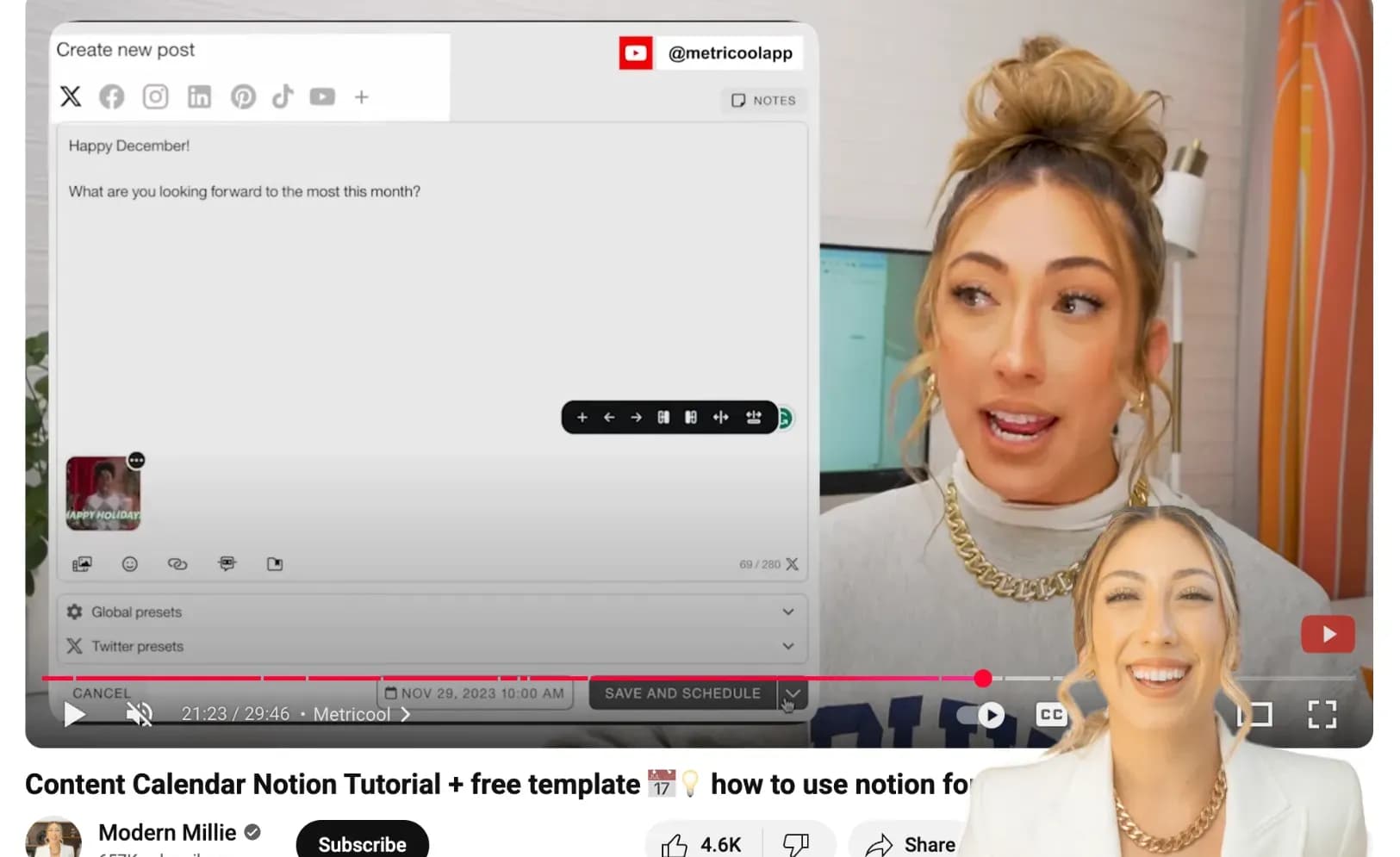
This article is based on the YouTube video Content Calendar Notion Tutorial + free template how to use notion for content creators by Modern Millie.
You can watch it here.
Get our best stories
A weekly email with curated editorial content for professional women in tech and business.
Related articles
 Marketing y Ventas
Does Your Personal Brand Attract Clients and Business Opportunities?
Your personal brand should do more than attract followers. Audit your LinkedIn profile, connect content to your offer, and measure real business opportunities.
 Marketing y Ventas
How to Turn Your LinkedIn Profile Into a Gateway to Greater Freedom, Income, and Impact
Learn how to optimize your LinkedIn profile and attract better opportunities, clients, and strategic partnerships.

 Tecnología y Sistemas Digitales
How to Automate Your Business With AI Without Technical Expertise
Your business can keep operating even when you're offline. Discover how AI can handle repetitive work without requiring technical expertise.